

Download MightyText – SMS from PC, tablet sync, text from computer, send text from computer
Overview
MightyText is a free desktop and mobile application designed to synchronize SMS messages between Android devices and computers. The software enables users to send and receive text messages directly from their PC or tablet, eliminating the need to constantly switch between devices. This functionality is particularly useful for individuals who rely heavily on messaging for work or personal communication, offering a seamless experience across platforms.
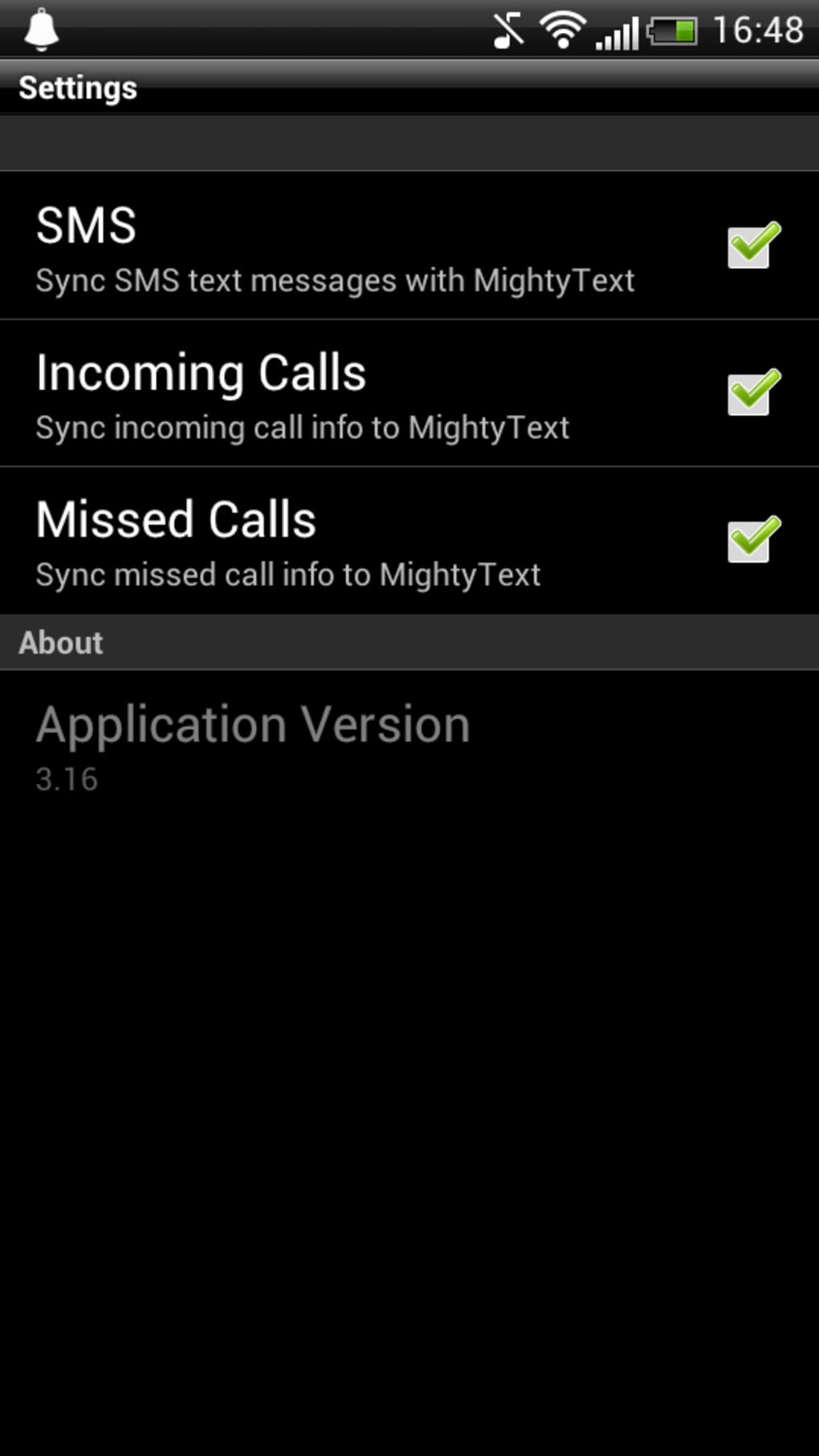
By connecting an Android phone to a computer or tablet via Wi-Fi or USB, users can access their full message history and compose replies without touching their phone. The app supports real-time syncing, allowing for immediate message delivery and receipt. It is especially beneficial for professionals managing multiple conversations, students coordinating group projects, or anyone seeking a more efficient way to handle SMS communication.
Developed by MightyText, the application has been available since 2012 and remains a popular choice in the messaging category. It is available exclusively in English and supports Android 2.2 and later. While the developer did not provide additional system requirements, the app’s lightweight nature and minimal resource usage make it suitable for most modern devices.
Key Features & Capabilities
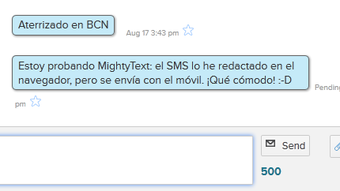
- PC-to-Phone Messaging – Send and receive SMS directly from a computer or tablet, enabling users to type longer messages more comfortably than on a mobile screen.
- Real-Time Sync – Messages are synchronized instantly across devices, ensuring that conversations remain up to date on all connected platforms.
- Multi-Platform Access – Available on Android, Web apps, and desktop environments, allowing users to switch between devices without losing context.
- Message History Access – View full message threads from the past, including sent and received SMS, directly from the desktop interface.
- Free with No In-App Purchases – The software is completely free to use, with no hidden costs or premium features requiring payment.
These features make MightyText ideal for users who want to manage their SMS communication more efficiently. For example, a remote worker can reply to a client’s message from their laptop during a meeting, while a parent can check and respond to a child’s text from their tablet without picking up their phone. The app also supports offline usage when previously synced messages are available, though real-time sync requires an active connection.
User Interface, Workflow & Performance
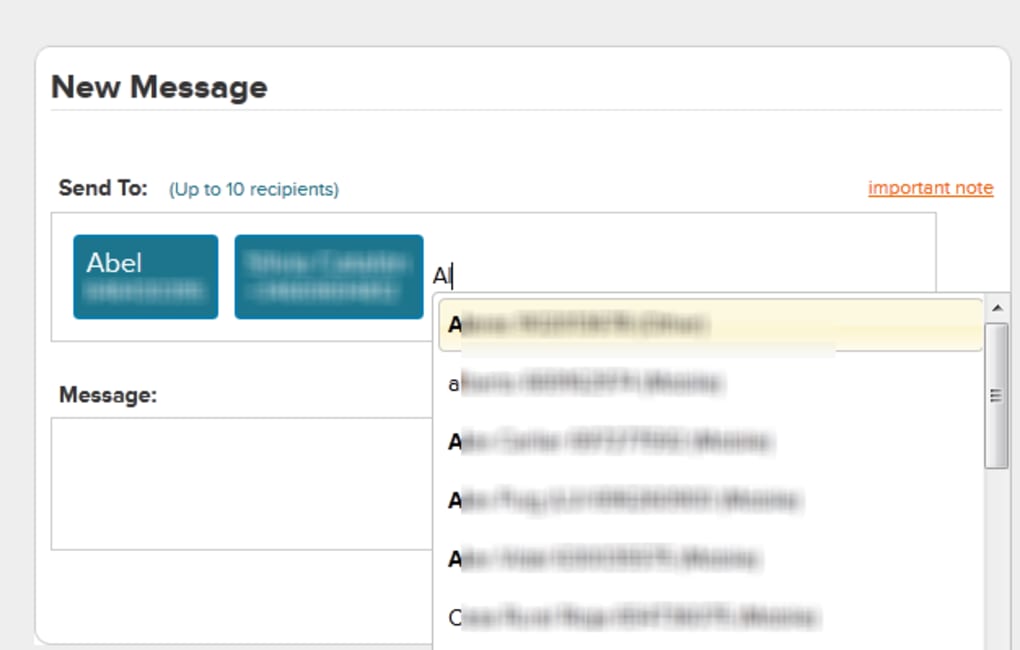
The user interface of MightyText is designed for simplicity and clarity, focusing on core messaging functions without unnecessary clutter. The layout typically includes a message list on the left, a conversation window on the right, and a message input bar at the bottom. Navigation is intuitive, with minimal steps required to initiate a new message or access a previous thread.
Workflow efficiency is enhanced by the app’s ability to automatically detect connected devices and sync messages upon connection. Once paired, users can begin messaging immediately. The developer did not specify resource usage details, but based on general software behavior, MightyText operates with minimal CPU and RAM consumption, making it suitable for background operation.
Stability appears consistent across supported devices, with no reported issues related to crashes or data loss. Performance observations are based on general software behavior patterns, and the app maintains responsiveness during active use. However, actual performance may vary depending on network speed and device capabilities.
Compatibility & System Requirements
MightyText is compatible with Android 2.2 and later, ensuring broad support across older and newer devices. The software is available for use on desktop computers and tablets, though specific OS versions are not listed. The installation size varies depending on the device and system configuration, with no fixed file size provided.
Exact system requirements were not listed by the developer. Compatibility information was partially provided, indicating that the app functions on Android devices and associated desktop environments. Users should ensure their device meets the minimum Android version requirement to use the software effectively.
Pros and Cons
Pros
- Free to download and use with no in-app purchases
- Real-time SMS synchronization across devices
- Supports multi-platform access (Android, Web, desktop)
- Intuitive interface designed for efficient messaging
- Full access to message history from the computer
Cons
- No official support for iOS or other non-Android platforms
- Requires an active Wi-Fi or USB connection for real-time sync
- Limited to English language interface
- Developer did not provide detailed system requirements
- Version 2.16 was released in 2012, indicating minimal recent updates
FAQ Section
Is MightyText safe to download and install?
Yes, the app is reported to be safe to download and install. It does not contain malware or harmful components, and has been available in the software catalog since 2012 without major security incidents.
Can I use MightyText on my iPhone or iPad?
No, MightyText is currently only available for Android devices. There is no official version for iOS, iPadOS, or other Apple platforms.
Does MightyText require an internet connection?
For real-time message syncing, an active Wi-Fi or USB connection is required. However, previously synced messages can be viewed offline.
Is MightyText available as a standalone desktop application?
Yes, MightyText supports desktop use through web-based access and dedicated desktop clients, though specific OS compatibility details were not provided.
How often is MightyText updated?
The latest version, 2.16, was released on October 15, 2012. Since then, no further updates have been officially released, which may affect long-term compatibility with newer systems.
Final Thoughts + CTA
MightyText remains a functional solution for Android users seeking to send and receive SMS from their computer or tablet. Its ability to sync messages in real time across platforms offers a practical advantage for those who spend significant time on their desktops. While the app has not received updates in over a decade, it continues to operate reliably for basic messaging needs.
It is best suited for users with older Android devices and those who prioritize free, no-frills SMS management. However, individuals seeking modern features, frequent updates, or support for newer operating systems may find the app outdated.
For those looking for a simple, free way to manage SMS from a PC or tablet, MightyText delivers on its core promise. Download MightyText now.




.png)


